INCIDENT RESPONSE
Match the response to the information at risk
A suspicious request can involve credentials, identity material, device control or a payment record. Begin by identifying what the sender wants and what has already been exposed. This page owns incident response; detailed login, mobile and payment terminology remains on the linked pages.
The 22Bet safety information hub is independent and cannot inspect an account or device.
STOP, PRESERVE, VERIFY, REPORT
STOP
Do not continue an unexpected request. Close remote-control sessions, avoid unknown links and do not supply a code merely because a message sounds urgent.
PRESERVE
Save dates, full domains, message headers, reference numbers and redacted screenshots. Keep originals privately and do not edit them into a cleaner narrative.
VERIFY
Find a channel independently of the disputed message. Confirm the recipient, purpose, requested fields and retention notice before sharing material.
REPORT
Send the relevant record to the bank, provider, registrar, security service or authority appropriate to the incident. Ask for a specific outcome.
Signals that should interrupt the conversation
A countdown, threat of closure or demand to act before checking the sender.
Extra words, altered spelling, shortened links or a redirect that hides the registered domain.
A password, OTP, CVV, UPI PIN, wallet key, recovery phrase or login cookie.
Screen sharing, accessibility permission, unknown profile or device-administration access.
A move from an expected route to an unrelated email, chat account or file-sharing page.
No explanation of which organisation receives the information or how long it will retain it.
If the event began with an unexpected reset email, follow the account-access response sequence. If it involved a package or profile, use the mobile publisher and permission checks.
Identity material needs a narrow purpose
A legitimate identity process should identify the recipient, the reason for the request, the fields required and the retention or deletion terms. An unrestricted scan sent through chat can expose more information than the recipient needs. Redact unrelated identifiers unless a verified process clearly requires them.
Do not add watermarks that obscure mandatory fields or alter the meaning of a document. Instead, keep the original privately and create a purpose-limited copy. Record what was shared, when, through which domain and under which notice.
Keep, redact or never disclose
| Keep privately | Redact before sharing | Never disclose |
|---|---|---|
| Date, time, full domain, case reference and original message header | Unrelated transactions, full address, unrelated document numbers and other people’s details | Password, OTP, CVV, UPI PIN, login cookie, wallet private key and recovery phrase |
| Original receipt or statement in a protected record | Card number except the minimum digits needed for identification | Remote-control approval or a code used to authorise an action |
The payment evidence page explains transaction references and provider records without turning this section into a dispute tutorial.
After a credential or code may have been exposed
Contain the affected account from a known device. Change a reused password, review active sessions and recovery methods, and secure the email account that receives reset messages. If a payment credential may be affected, use the financial provider’s verified route rather than relying on the contact that requested the secret.
Record each action with its time. A later reviewer needs to distinguish the original suspicious event from the containment steps. Do not paste a new password, OTP or full session list into the incident note.
After unexpected device access
Screen sharing and accessibility control can expose more than one account. End the session, disconnect the device if continued control is suspected and use another trusted device for sensitive account changes. Review installed applications, profiles and accessibility services with an appropriate security or device-support professional.
A screenshot of the suspicious app can be useful, but it should not include open financial records or identity documents. Preserve the app name, publisher shown, permission requested and the source of the installation message.
Evidence quality is more than screenshot quantity
A useful screenshot shows the full domain, relevant heading, date and visible state. Ten narrow crops can be less useful than one contextual image and a short timeline. Keep message headers and transaction references in their original form rather than retyping them from memory.
Mark assumptions as assumptions. If the sender’s identity is unknown, record the address and request instead of declaring who sent it. This makes the report easier for a responsible recipient to assess.
Build an incident record that another party can use
- EventState what happened without guessing the sender’s motive.
- ExposureList which credentials, documents, permissions or funds may be affected.
- ContainmentRecord password changes, session closure, card controls or device isolation already completed.
- EvidenceAttach only the redacted records needed for the question.
- Requested outcomeAsk for sender verification, access review, transaction trace, domain review or another specific action.
Keep account, email, device and financial events on separate lines. This helps each recipient see the part it can investigate without receiving unrelated sensitive material.
Choose the recipient by the event
Account or message
Use a contact route confirmed separately from the suspicious message.
Transaction
Use the bank or payment provider’s verified dispute channel and retain its reference.
Domain or device
A registrar, browser safety service, cybercrime route or qualified device professional may be relevant.
For a concise route-by-route checklist, open Support and Complaint Information. That page classifies an issue; it does not repeat this incident-response guide.
Evidence used
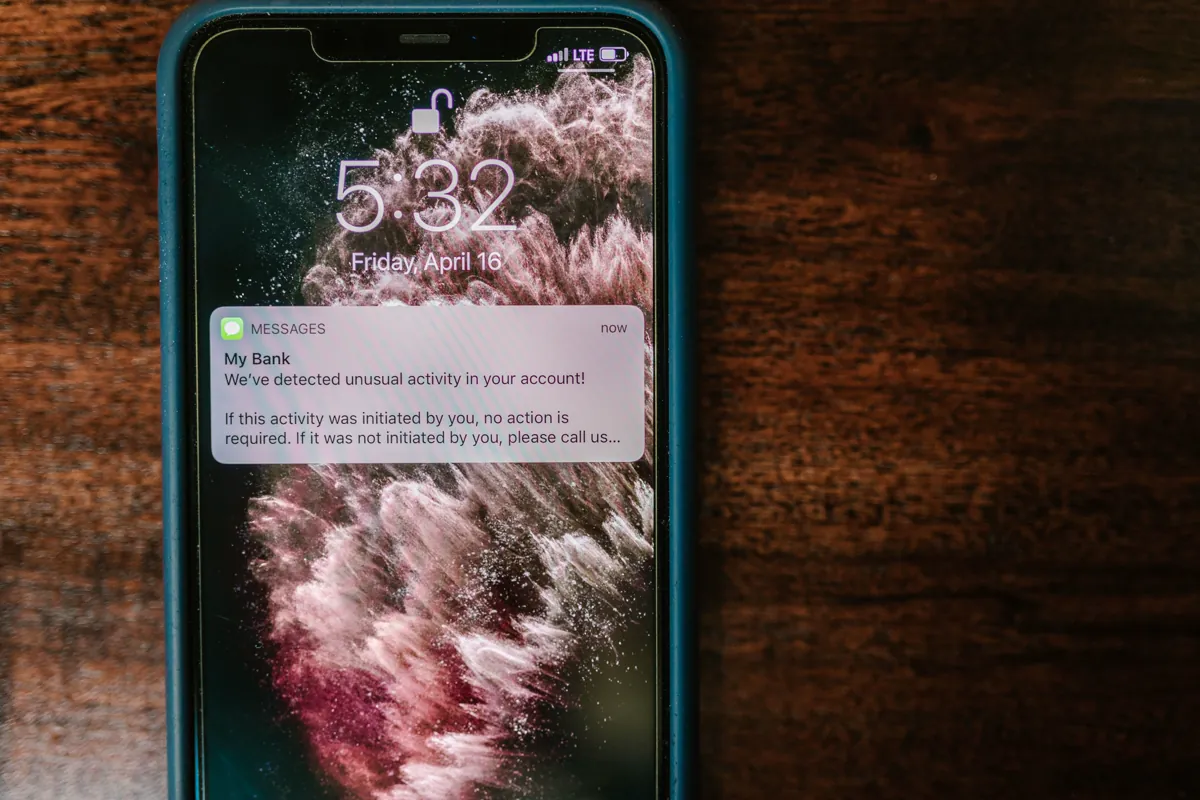
- Pexels source page for the smartphone fraud-alert photograph by RDNE Stock project.
- Current browser and mobile-platform concepts for domains, permissions, sessions and evidence preservation.
- 22bet.xin source and dynamic-information policy.