UNEXPECTED PACKAGE SCENARIO
A message says a new Android package must be installed immediately
Do not start with the button in the message. Identify the sender and the object being offered. A browser page, store application, configuration profile and APK can share the same colours while having different publishers and permissions.
The 22Bet mobile information page provides context only; it hosts no package file or installation route.
Six checks before any installation decision
- SenderCompare the message sender with a contact obtained independently.
- DomainRead the registered domain and the full redirect path.
- PublisherCheck the publisher record attached to the application, not the logo.
- PermissionsMatch each request to a clear feature initiated by the user.
- Update sourceCompare the proposed route with the previously known update channel.
- Stop pointDo not install an unknown package or profile when provenance remains unclear.
Browser, installed app and APK are different objects
Responsive website
Runs inside a browser. The full domain, HTTPS warning, redirects and browser storage remain visible checks. Page code updates when the site loads.
Installed application
Remains on the device. It has a publisher identity, version history, permissions and an update channel.
Android APK
A file used for installation. A copied name or icon says nothing about who signed or distributed it.
Android package checks
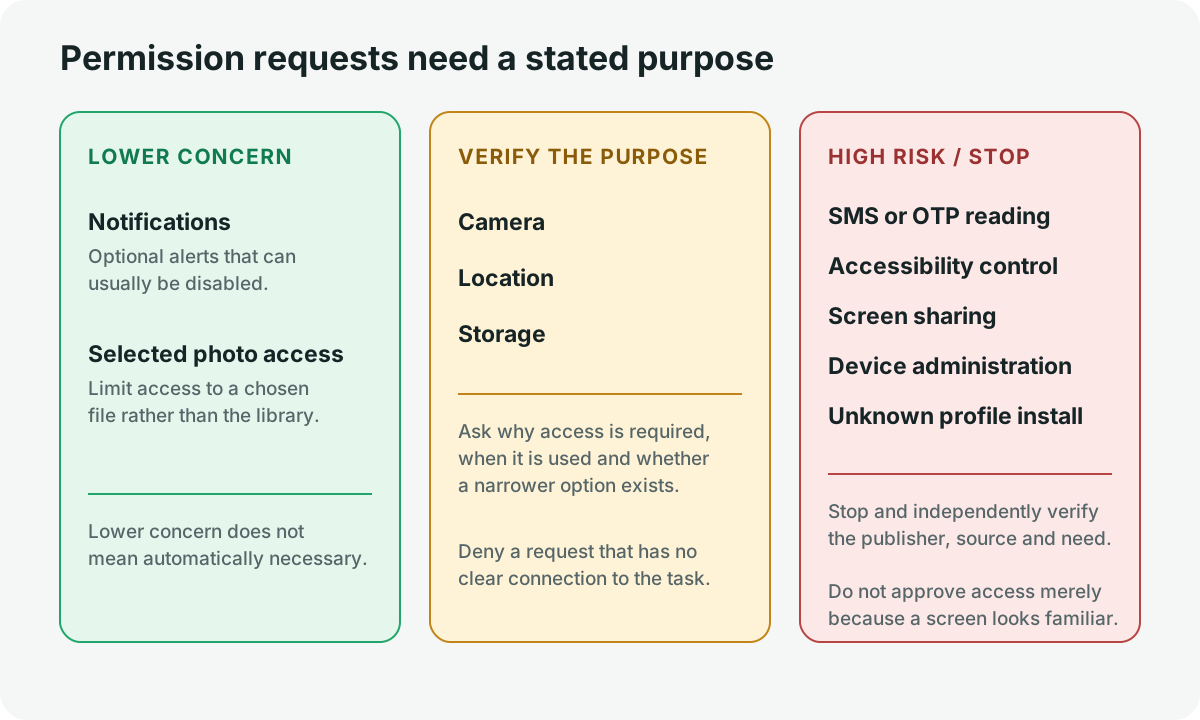
“Install unknown apps” is a device setting, not an authenticity test. Enabling it removes one protection. An Android package should be tied to a publisher and known update source before it is considered.
Unexpected SMS, accessibility, screen-sharing and device-administration requests require a stop. Do not treat a file sent through chat or a shortened link as an update channel.
iOS profiles and publishers
An App Store record and a configuration profile are not the same object. A profile can manage device settings and deserves close scrutiny. Read what it controls and who issued it.
Do not approve an enterprise or management profile because a message calls it urgent. Verify the publisher through a separate source.
The domain and package identity answer different questions
A trusted browser domain can describe an application without proving the identity of a file obtained elsewhere. Likewise, a package can display a familiar website address inside its interface while having an unrelated signer. Check the browser origin and the installed-object publisher separately.
When either chain changes unexpectedly, stop and find the last known record. Do not let one familiar field authenticate every other layer.
A publisher record needs continuity
A publisher name is more useful when it appears consistently across the store record, package identity, privacy information and update history. A new page that copies only the name and icon lacks that continuity. Compare the current record with a previously trusted source rather than accepting a message that declares itself official.
Version numbers are evidence only when tied to the publisher and distribution channel. A higher number in a filename does not prove that the file is newer, and an old number does not prove that a package is genuine.
Permission changes deserve a fresh decision
An update can add capabilities that were absent when the application was first installed. Review new requests rather than assuming that earlier consent covers them. SMS reading, accessibility control, screen sharing, unknown profile installation and device administration require a clear purpose and a trusted publisher.
If a permission was granted during a suspicious interaction, record the time and capability, remove the access through the device settings and consider whether account or email sessions also need review. The incident response belongs on the Account Safety page; this page remains focused on the mobile object.
FAKE APK WARNING
Familiar appearance is weak evidence
Copied logos, filenames and colour schemes are easy to reproduce. An unrelated download domain, protection-disable request, new publisher, unexplained permission or update sent by a stranger is a reason to stop.
If the concern involves a message or account session, move to the phishing response or support-routing page. Do not open the file merely to test it.
What the public review established
A direct unauthenticated review attempt on 13 July 2026 returned a regional response rather than a stable application record. No VPN, mirror, third-party APK page or copied review screenshot was used. Current application availability, publisher provenance and package version were therefore not adopted as facts. The full interface-review status is kept on the Platform page.
Evidence used
- Direct public-interface review attempted on 13 July 2026 without login or regional bypass.
- Android and Apple platform documentation for permission, publisher and profile concepts.
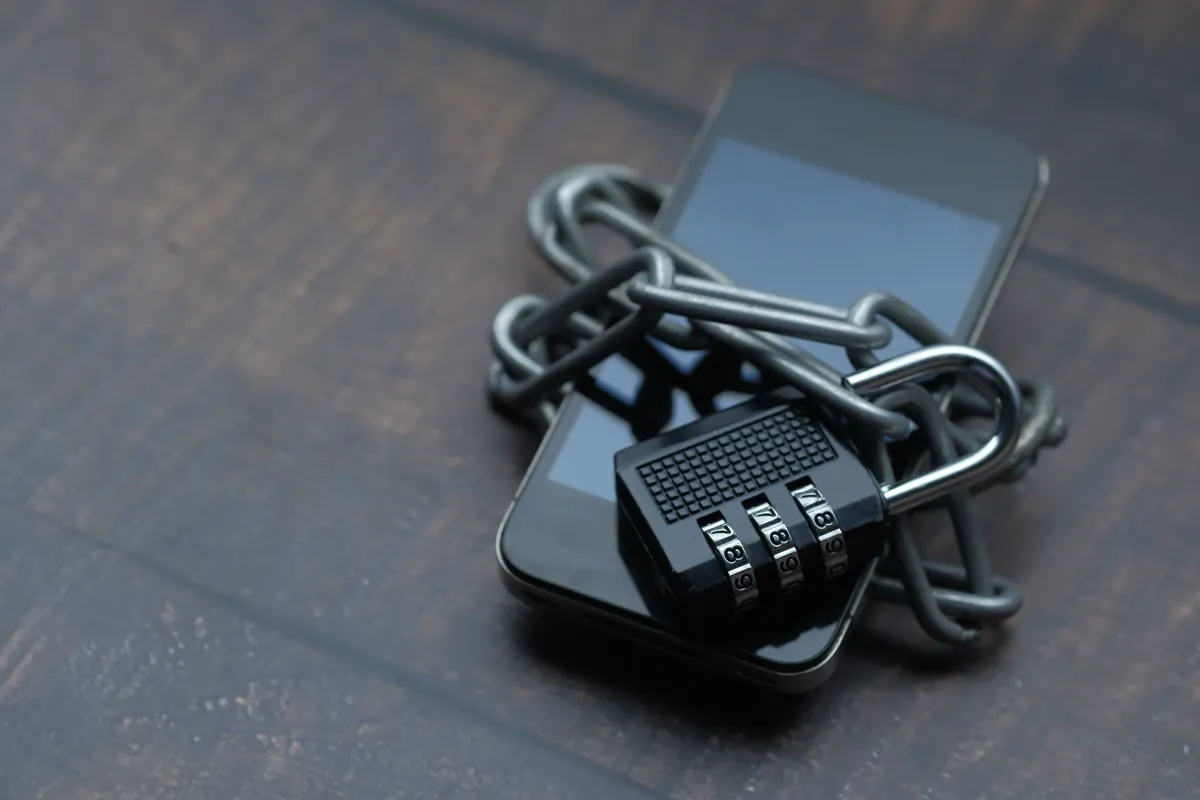
- Pexels source page for the smartphone-and-lock photograph by Towfiqu barbhuiya.